Advertisement
Aoba Client supports addons, allowing developers to extend the client with custom modules and commands. Addons are loaded automatically alongside the client and integrate seamlessly into the ClickGUI, command system, and settings. You can view all installed addons from the Minecraft title screen.
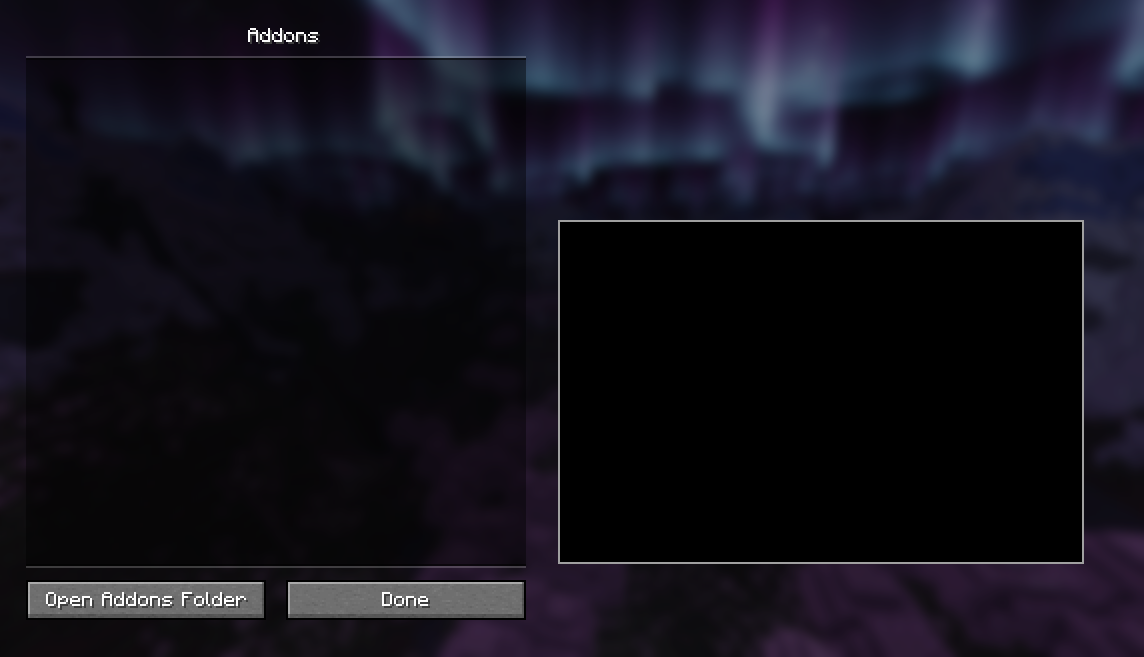
Addons are Fabric mods that hook into Aoba's addon system. To install an addon, simply place its .jar file in your Minecraft mods
folder alongside Aoba Client. The addon will be loaded automatically when the game launches.
Addons can provide:
.aoba prefix, just like built-in commands.If you are interested in creating your own addon, see the Developing Addons guide.
Advertisement
